

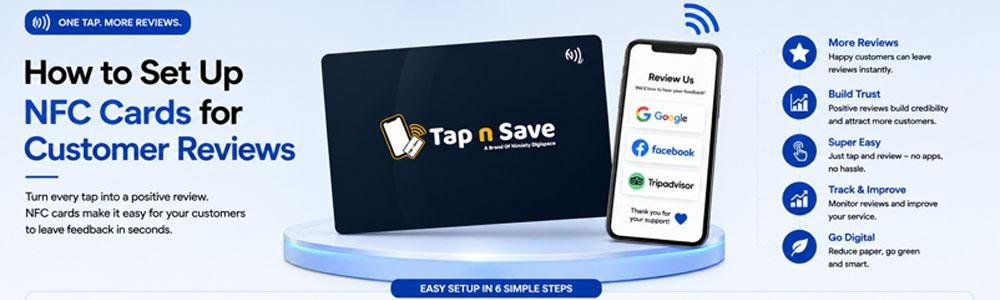
Online reviews have become one of the biggest factors influencing customer decisions. Whether you own a restaurant, clinic, retail store, salon, hotel, or service business, positive Google Reviews help build trust and improve local search rankings.
An NFC Google Review Card makes collecting reviews incredibly simple. Instead of asking customers to manually search for your business on Google, they simply tap the card or scan the QR code to open your Google Review page instantly.
With Tap n Save Google Review Cards, businesses can encourage more customers to leave reviews while providing a fast and convenient experience.
📌 Quick Answer
To set up an NFC Google Review Card, link your Google Review URL to the NFC card, place the card where customers can easily access it, and ask customers to tap the card or scan the QR code to leave a review. No app installation is required.
What Is an NFC Google Review Card?
An NFC Google Review Card is a smart card embedded with an NFC chip that opens your Google Review page when tapped with a compatible smartphone.
Tap n Save Google Review Cards also include a QR code, allowing customers without NFC-enabled phones to access the same review page by scanning the code.
How to Set Up Your NFC Review Card
Setting up your Tap n Save Google Review Card is quick and straightforward.
- Claim and verify your Google Business Profile.
- Generate your Google Review link.
- Link the review URL to your NFC card.
- Test the card using both NFC and QR code.
- Place the card where customers can easily see and access it.
Where Should You Place Your Review Card?
Positioning your review card correctly can significantly increase the number of reviews you receive.
🛒 Billing Counter
Ask customers for a review immediately after payment.
🍽 Restaurant Tables
Encourage diners to review their experience before leaving.
🏥 Reception Desk
Perfect for clinics, hospitals, and service centres.
🏨 Checkout Area
Ideal for hotels, salons, gyms, and retail stores.
Tips to Get More Google Reviews
Simply placing the card isn't enough. The timing of your request also matters.
- Ask customers immediately after a positive experience.
- Keep the card visible and accessible.
- Train staff to politely request reviews.
- Explain that it only takes a minute.
- Never offer incentives in exchange for reviews.
💡 Best Practice
A friendly verbal request combined with an NFC Google Review Card often leads to higher review conversion rates.
Benefits of NFC Google Review Cards
Which Businesses Can Benefit?
Almost every customer-facing business can use an NFC Google Review Card.
- Restaurants & Cafés
- Doctors & Clinics
- Hotels & Resorts
- Retail Stores
- Salons & Spas
- Gyms & Fitness Centres
- Automobile Showrooms
- Professional Service Providers
Why Businesses Choose Tap n Save
Tap n Save Google Review Cards are designed to make review collection simple, professional, and effective.
- NFC + QR compatibility
- Works on Android and iPhone
- No app required
- Premium card quality
- Easy setup
- Perfect for counters, tables, and reception areas
🚀 Turn Happy Customers into 5-Star Reviews
A Tap n Save Google Review Card removes unnecessary steps, making it easier for satisfied customers to leave valuable feedback.
Frequently Asked Questions
- Do customers need an app to leave a review?
No. They simply tap the card or scan the QR code to open your Google Review page. - Where should I place my NFC Google Review Card?
High-visibility locations such as billing counters, reception desks, tables, and checkout areas work best. - Can iPhone users use the card?
Yes. Tap n Save Google Review Cards work with most modern Android phones and iPhones. - Can I use one card for multiple staff members?
Yes. One review card can be used by all customers visiting your business location. - Will this help me get more Google Reviews?
It simplifies the review process, which can encourage more customers to leave feedback after a positive experience.
Collect More Google Reviews with Every Customer Visit
Make leaving a review effortless with Tap n Save NFC Google Review Cards designed for businesses that value customer feedback.
Explore Google Review Cards →